

How to watch Netflix in surround sound
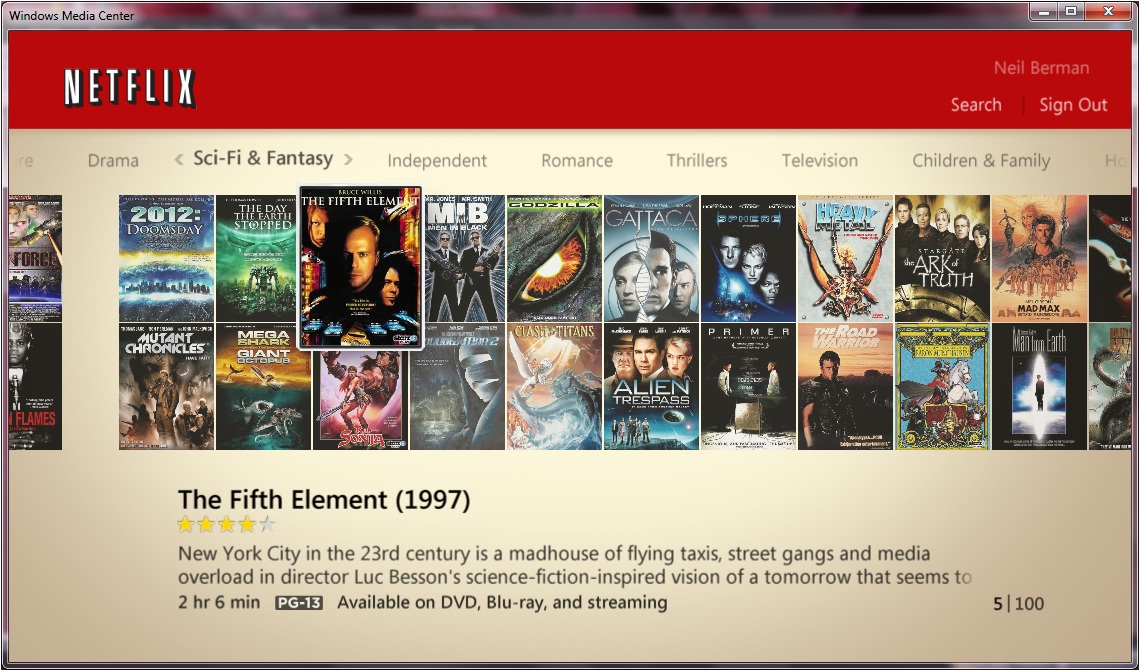 Netflix is currently the most popular living room Internet video streaming service in the US. It's available through a variety of living room friendly devices, such as several games consoles, Blu-ray players and media streamers like the Apple TV and Roku range.
Some clients have asked whether Netflix will broadcast its movies in surround sound so they can enjoy a more immersive experience. The answer is that Netflix already broadcasts in 5.1 surround sound, meaning a front left & right speaker pair, a rear left & right speaker pair, a front center speaker and a subwoofer. However viewers will only hear the broadcast in surround sound if they have the correct home theater equipment.
What equipment do I need to watch Netflix in surround sound?
A fair assumption might be that if you have a surround sound system then you will hear Netflix in surround sound. This is unfortunately not necessarily the case.
The Netflix receiver
 Firstly, the device receiving the Netflix transmission must be capable of outputting the soundtrack in surround sound. Some examples of popular compatible devices include the Xbox 360, Apple TV and Roku 2 range. If these are connected to a compatible home theater system using an HDMI cable then the first part of the puzzle is in place. Digital optical and coaxial cables can also carry the surround sound signal. If however, a stereo (normally red & white) analog audio cable is used to connect the Netflix receiver to the home theater system then only stereo audio will be heard.
The home theater system
 Secondly, and this is the harder part, the home theater system must be capable of decoding the new Dolby Digital Plus (or DD+) surround sound codec. DD+ is used by Netflix to transmit its surround sound signal and is only supported by home theater receivers released within the past few years. So even if you have a $5,000 audiophile quality home theater setup from ten years ago, which might sound awesome for older DVDs and regular stereo music, it will probably not be capable of correctly reproducing Netflix's surround sound transmission. You might hear a duplicated front and rear transmission, so you will indeed be 'surrounded' by sound, but rear location-based sounds will probably not be correctly reproduced.
The solution
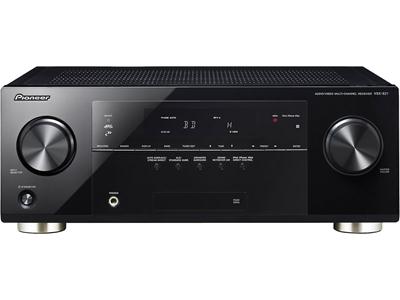 The solution in many cases is to simply upgrade the home theater receiver to a modern unit that is compatible with Dolby Digital Plus, as long as your existing speakers have regular wiring rather than proprietary connectors. Good home theater receivers are available for as little as $200-300, such as Yamaha's RX-V373 or Pioneer's VSX-821K.
Now go and surround yourself with sound!
Neil Berman, Helper-in-Chief, TheONbutton

 April 14, 2012
Reader Comments (1)
I think the choice may vary from person to person. But I think a Home theater system can do wonders.